*This article contains Amazon affiliate links. If you purchase through them, I may earn a commission at no extra cost to you.
To work between my Mac Studio and MacBook Pro without constantly copying files from one computer to the other, I decided to store all my photography and video projects on a 2TB SanDisk external SSD.
That way, I only had to plug it into whichever computer I was using and pick up right where I left off.
For a year, it worked perfectly. Until one day, while copying some video files, the SSD suddenly stopped working, and neither of my Macs would recognise it anymore.
I recently published a video about the risks of trusting all your work to an SSD. And I had good reason to be frustrated: I had to buy a 5TB WD My Passport to recover my files, use data recovery software, and spend an entire week unable to make progress on the projects I was working on.
The Spanish version of the video has now passed 35,000 views, and I’m really grateful for all the comments and advice I’ve received on how to improve my workflow.
One of the biggest lessons I’ve learned is that editing directly from an external SSD isn’t the problem. Plenty of professionals do it. The real risk is keeping all your files on a single drive, whether internal or external, without proper backups. Because no drive is completely reliable.
Many of you also recommended other brands, such as Samsung and Kingston. The problem is that prices have skyrocketed. Right now, a 2TB SSD costs almost twice what I paid for mine a year ago.
So, for now, I’m going to keep working from an external SSD, but I’ll make sure I have backups of all my original files in case something goes wrong again.
Finally, there’s one more minor annoyance when working with an external SSD: having it dangling from a cable when using a laptop.
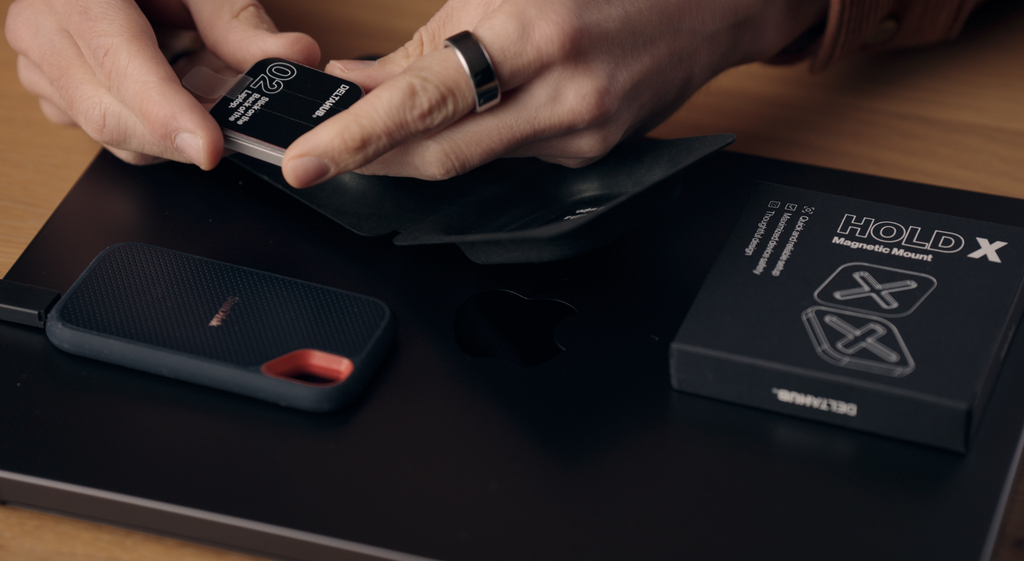
To solve this, DeltaHub sent me their HoldX system, which lets you attach the SSD to the back of your laptop screen using a magnetic mount.
I’ve just installed it and started testing it. So far, it seems like a simple and practical solution for those of us who work with external SSDs.